EN
EN
 fr
fr  de
de  es
es  it
it  ru
ru  pt
pt  ar
ar  ms
ms  id
id 

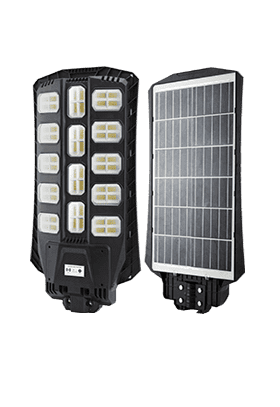
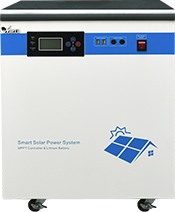


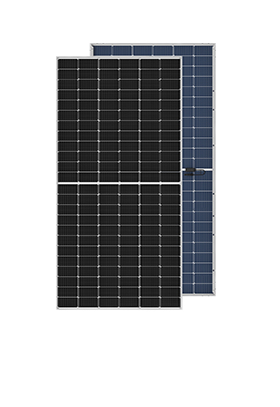
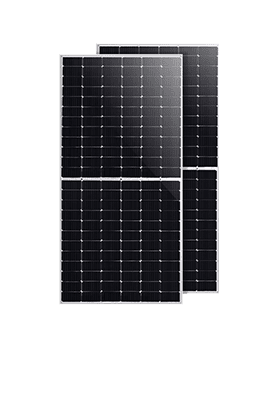
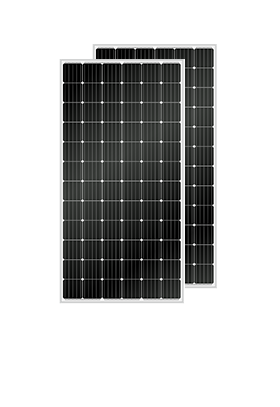
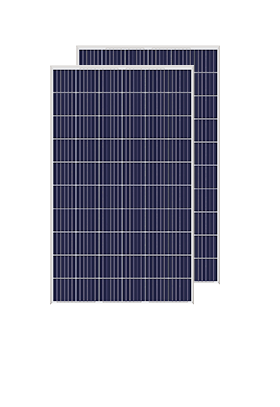


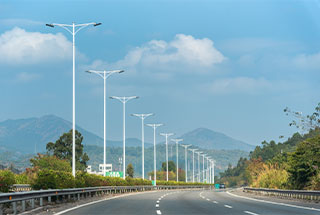
We have cooperated with more than 200 countries in solar energy projects and road lighting projects. We have exported products to many countries and participated in many important government projects around the world.




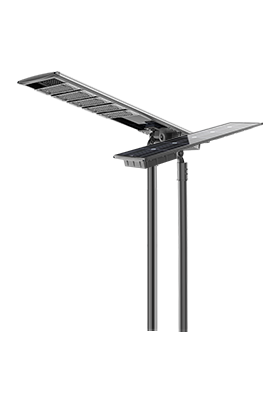


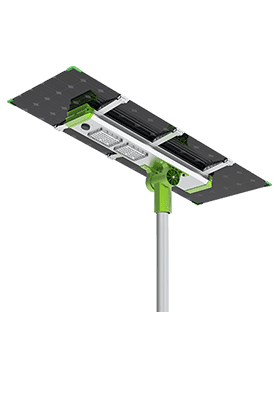
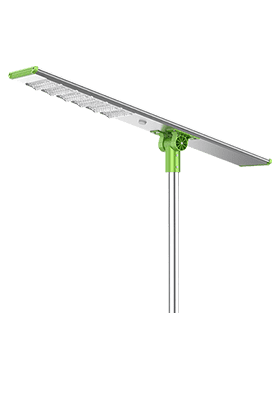
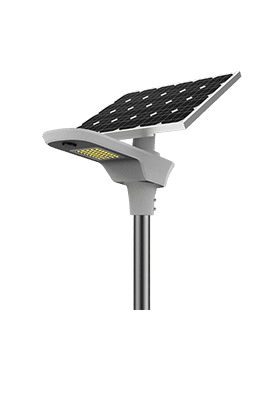


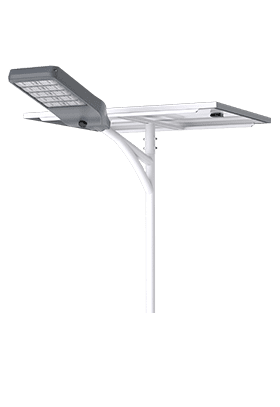
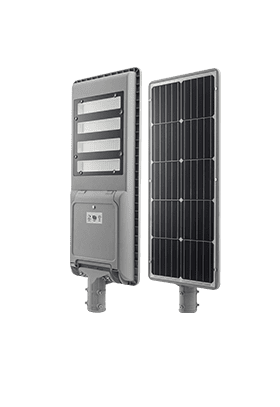
We have cooperated with more than 200 countries in solar energy projects and road lighting projects. We have exported products to many countries and participated in many important government projects around the world.

Anern has 17 years of experience in solar lighting and solar product manufacturing. Anern is headquartered in Guangzhou. With a production base of 30,000 square meters, our company has an R&D team of more than 100 people.
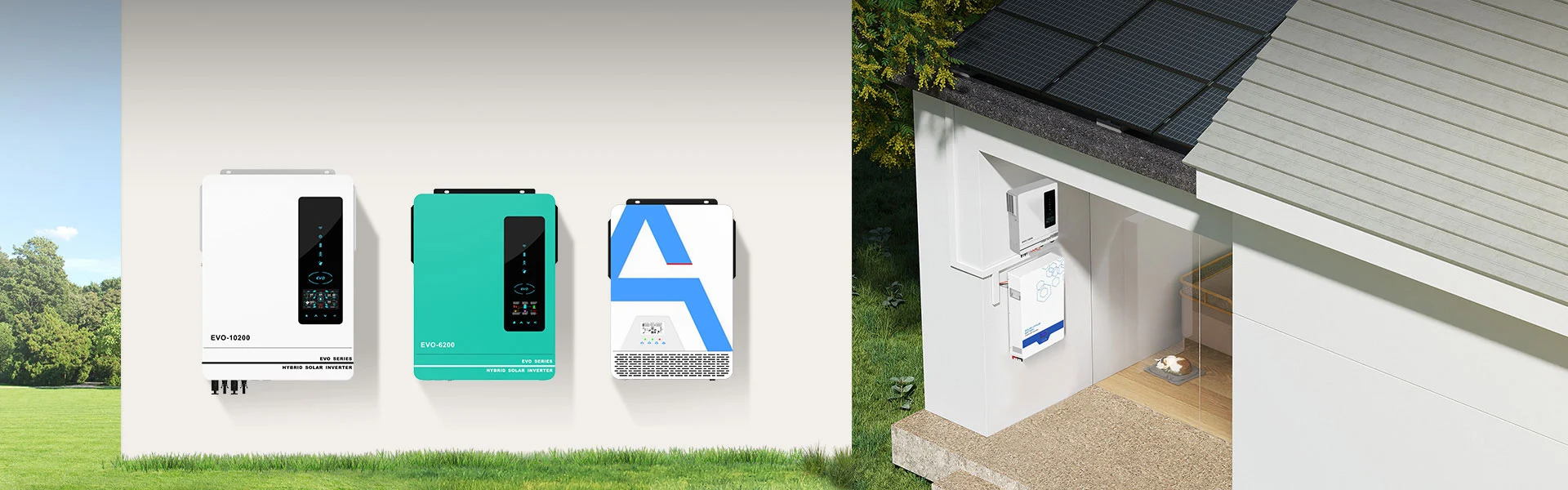
Keep the solar power inverter installed in a clean, dry, and well-ventilated location
Avoid dust accumulation, direct sunlight, and heat sources
Ensure ventilation openings and cooling fans are not blocked
Periodically check AC and DC wiring connections
Inspect terminals for overheating, looseness, or discoloration
Verify grounding connections and protective devices
Observe LED indicators and display information for abnormal status
Check system logs or monitoring platforms for fault alarms
Ensure cooling fans operate normally during solar power system operation
Clean ventilation areas using dry air or soft brushes
Do not use liquid cleaners on inverter surfaces
Do not open the inverter enclosure unless authorized
Disconnect all power sources before maintenance
Internal components may retain high voltage after shutdown
Repairs must be performed by qualified technicians only
| Fault Solution Code | Fault Event Description | Solution |
| 60 | Current feedback into the inverter is detected. | 1. Restart the inverter. 2. Check if L/N cables are not connected reversely in all inverters. 3. For parallel system in single phase, make sure the sharing are connected in all inverters. For supporting three-phase system, make sure the sharing cables are connected in the inverters in the same phase, and disconnected in the inverters in different phases. 4. If the problem remains, please contact your installer |
| 71 | The firmware version of each inverter is not the same. | 1. Update all inverter firmware to the same version. 2. Check the version of each inverter via LCD setting and make sure the CPU versions are same. If not, please contact your instraller to provide the firmware to update. 3. After updating, if the problem still remains, please contact your installer. |
| 72 | The output current of each inverter is different. | 1. Check if sharing cables are connected well and restart the inverter. 2. If the problem remains, please contact your installer. |
| 80 | CAN data loss | 1. Check if communication cables are connected well and restart the inverter. 2. If the problem remains, please contact your installer. |
| 81 | Host data loss | |
| 82 | Synchronization data loss | |
| 83 | The battery voltage of each inverter is not the same. | 1. Make sure all inverters share same groups of batteries together. 2. Remove all loads and disconnect AC input and PV input. Then, check battery voltage of all inverters. If the values from all inverters are close, please check if all battery cables are the same length and same material type. Otherwise, please contact your installer to provide SOP to calibrate battery voltage of each inverter. 3. If the problem still remains, please contact your installer |
| 84 | AC input voltage and frequency are detected different. | 1. Check the utility wiring conncetion and restart the inverter. 2. Make sure utility starts up at same time. If there are breakers installed between utility and inverters, please be sure all breakers can be turned on AC input at same time. 3. If the problem remains, please contact your installer |
| 85 | AC output current unbalance | 1. Restart the inverter. 2. Remove some excessive loads and re-check load information from LCD of inverters. If the values are different, please check if AC input and output cables are in the same length and material type. 3. If the problem remains, please contact your installer. |
| 86 | AC output mode setting is different | 1. Restart the inverter. 2. Remove some excessive loads and re-check load information from LCD of inverters. If the values are different, please check if AC input and output cables are in the same length and material type. 3. If the problem remains, please contact your installer. |
To check solar inverter installation guide.